Games and interactive interfaces need decisions that feel instant and never break. A unit that freezes because a model returned malformed text, or a UI that flashes between three layouts, ruins the experience. This page looks at game AI decision making and adaptive interfaces, and how fast, typed Jev decisions can drive the high-level choices while the engine handles everything else.
The problem
Classical game AI — finite-state machines, behaviour trees, utility AI, GOAP planners — is fast and predictable, and designers can tune it. It is also brittle when the situation is novel, and every behaviour needs to be authored. Large language models can reason about novel situations but are slow, expensive per call, and produce text that has to be parsed into actions.
Adaptive UI has the same shape. As a user types into a single box, the product wants to guess the intent — "book a table for 4 on Friday", "send $20 to Sam", "find red running shoes" — and show the right component. A free-text model answer is not something you can render; a typed intent is.
Both need:
- An answer that is always one of the actions or components you support.
- Low latency, inside a perceptible budget.
- Confidence, so the system can hold its current behaviour when unsure.
Common approaches and trade-offs
Authored logic (behaviour trees, utility scores). Deterministic and cheap. Expensive to author for many situations and easy to exploit once players learn it.
Reinforcement-learned policies. Can be strong in a fixed game, but costly to train and hard to change when the design changes.
LLM agents. Flexible and good with language-heavy state, but latency and cost per decision are high and outputs need parsing and validation.
Keyword intent detection for UI. Instant but shallow; easily fooled by phrasing.
How Jev's typed decisions fit
Jev, from TypeSafe AI, reads a state — a compact game snapshot or the text typed so far — and answers typed questions:
- Choice for the action, target, formation or UI component, from up to 255 options.
- Score for threat, urgency or priority on an ordered scale of 2 to 10 levels.
- Noul for yes/no conditions as a 0–1 probability:
should_retreat,user_wants_payment.
Answers never fall outside the schema, so the engine or UI can map them straight to code paths. TypeSafe reports 70–500 ms per request, and Jev 1.13 on Flatkey costs $0.042 per million input tokens with free output — cheap enough to consult often, though not every frame.
Architecture walkthrough: a hybrid agent
- Separate tiers. Frame-level control (movement, pathfinding, animation) stays in the engine. Decision points — every second, on events, when a squad finishes a task — call Jev.
- Summarise state. Send a compact description: unit counts, health, visible enemies, objective status. Text or JSON both work.
- Ask for the high-level choice. Action Choice, threat Score, a retreat Noul.
- Act with a default. If confidence is low or the call times out, keep the current plan or fall back to the authored behaviour. The game never waits on the network.
- For adaptive UI: debounce typing, call Jev on pauses, switch components only when confidence clears a threshold, and require a stronger signal to switch back.
See hybrid game agent, RTS micro control and adaptive UI for working schemas.
Mapping decisions to question types
| Decision point | Question type | Example |
|---|---|---|
| Squad orders | Choice | attack, hold, retreat, regroup, scout |
| Target selection | Choice | one option per visible enemy group |
| Threat level | Score | none → low → medium → high → critical |
| Retreat now | Noul | probability from 0 to 1 |
| UI component | Choice | plain_text, date_picker, payment_form, search_card |
| Intent is clear | Noul | gate before switching component |
A good rule is that Jev chooses what and the engine decides how. "Retreat" is a Jev decision; the path back to base is the pathfinder's job. That split keeps the model call off the critical frame loop and makes behaviour testable: you can replay logged states and check which choices changed.
For adaptive UI, keep the component list small and mutually exclusive, and include a plain_text option that means "do nothing yet." The best adaptive interfaces change rarely and confidently; a component that appears and disappears with each keystroke feels worse than no adaptation at all.
Pitfalls and evaluation tips
- Latency budget. Measure p95 latency from your players' regions, not just averages, and design the fallback for the slow tail.
- Oscillation. Units or UI that flip between two choices look broken. Use hysteresis and minimum dwell times.
- State bloat. More tokens means more cost and latency. Send what changes the decision.
- Evaluate in play. Offline accuracy on labelled states is a start; win rate, task completion and user corrections tell you more.
- Exploits. Players will find patterns. Log decisions and review the situations where the agent loses.
When not to use Jev
Per-frame control, physics and pathfinding belong in the engine. Fully offline or single-player games without network access cannot depend on an API. And if a hand-tuned behaviour tree already plays well, adding a model may only add latency.
Glossary
- Behaviour tree: a hierarchical structure of authored behaviours used in game AI.
- Utility AI: choosing actions by scoring each option with designer-written functions.
- Micro: fine-grained control of individual units in strategy games.
- Hysteresis: requiring a stronger signal to switch back than to switch, preventing flicker.
- Debounce: waiting for a pause in input before sending a request.
Open a use case below for a live demo and the copyable code.
Games & Adaptive UI use cases
 Games
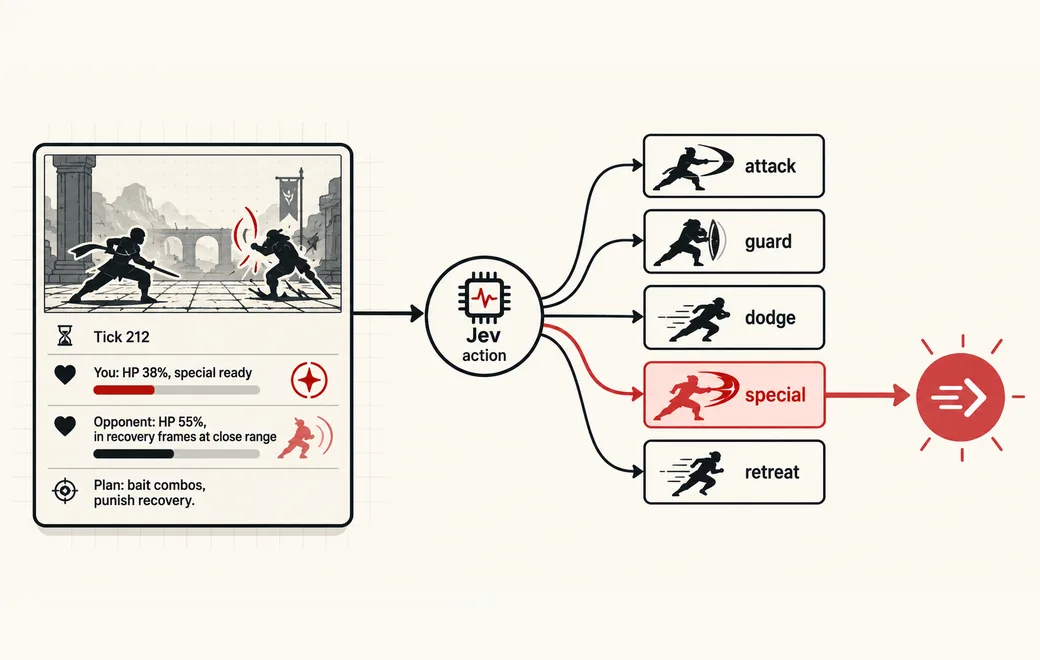
Split game agents into System 1 and System 2
Split a game agent into a fast System 1 (Jev picks the action every tick) and a slow System 2 (an LLM plans), and call the planner only when the state demands it.
See the workflow →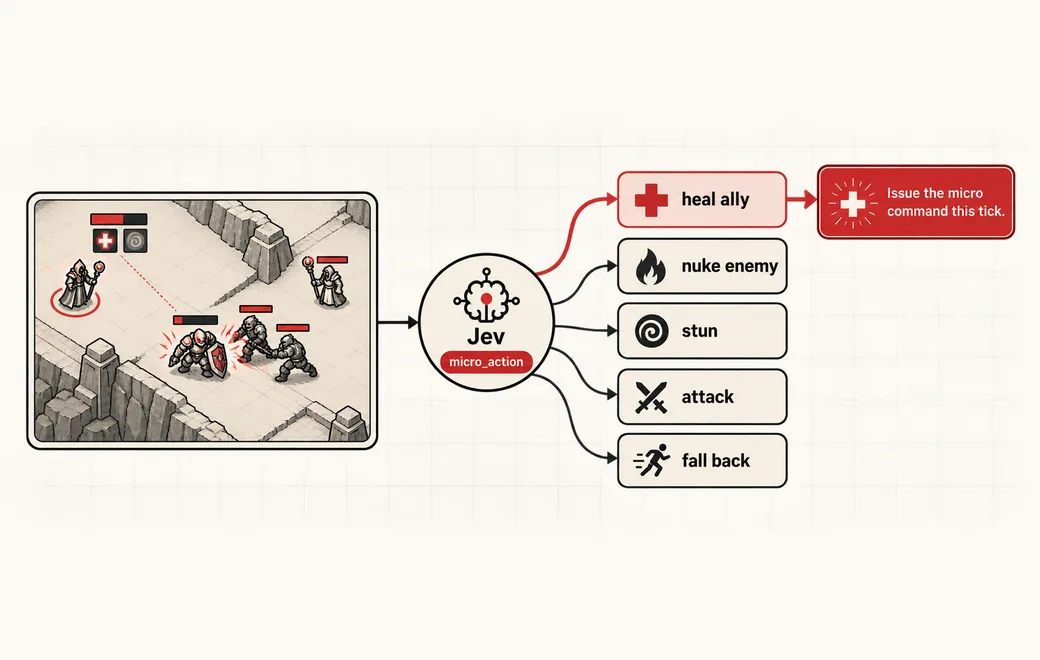 Games
Control units in real time while an LLM plans
Use Jev for per-unit, real-time micro decisions (targeting, spell use, retreat) under an LLM macro planner, with honest limits on what a text-only System 1 can do.
See the workflow →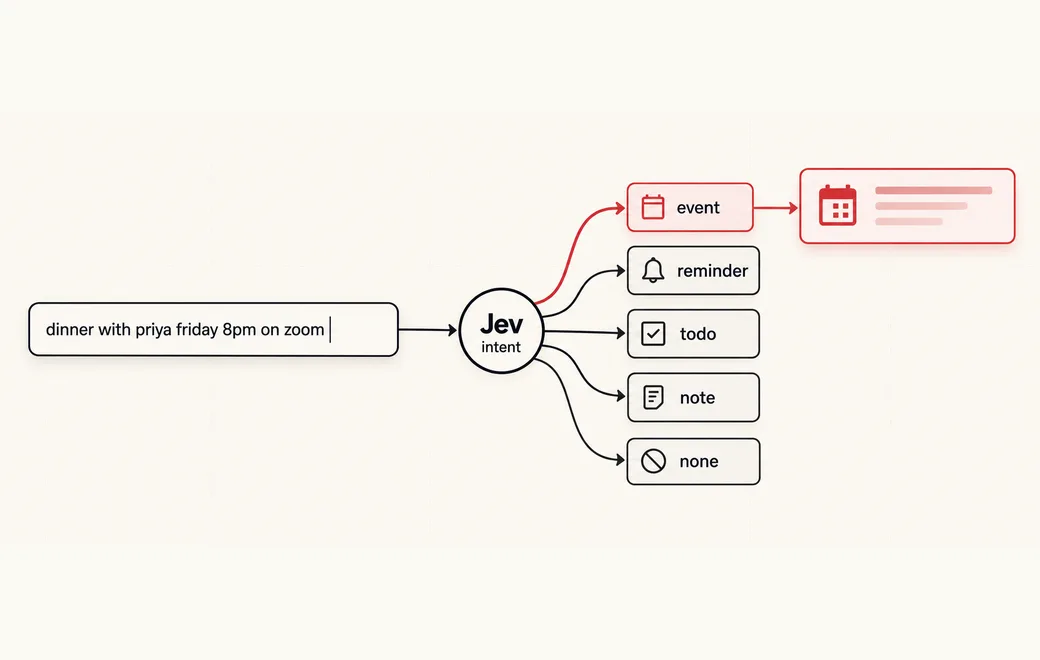 UI
Morph a text box into the right UI
Morph one text box into the right UI card as the user types: Jev classifies intent and signals in one call, code parses every value.
See the workflow →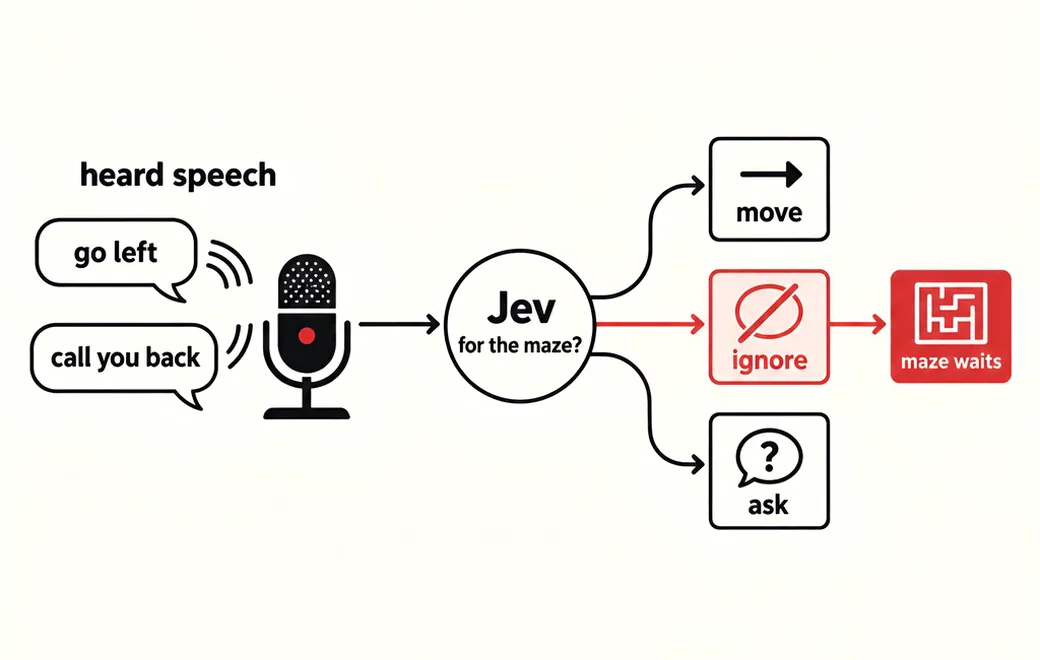 Voice apps / Relevance
Decide, on every end-of-turn event, whether the speech was addressed to the voice app at all and, if so, which command it maps to, so side conversations and filler are ignored instead of turned into actions
A voice-steered app hears everything in the room. Ask Jev whether each finished turn was meant for the app and which command it is, so a phone call at the next desk never moves the game.
See the workflow →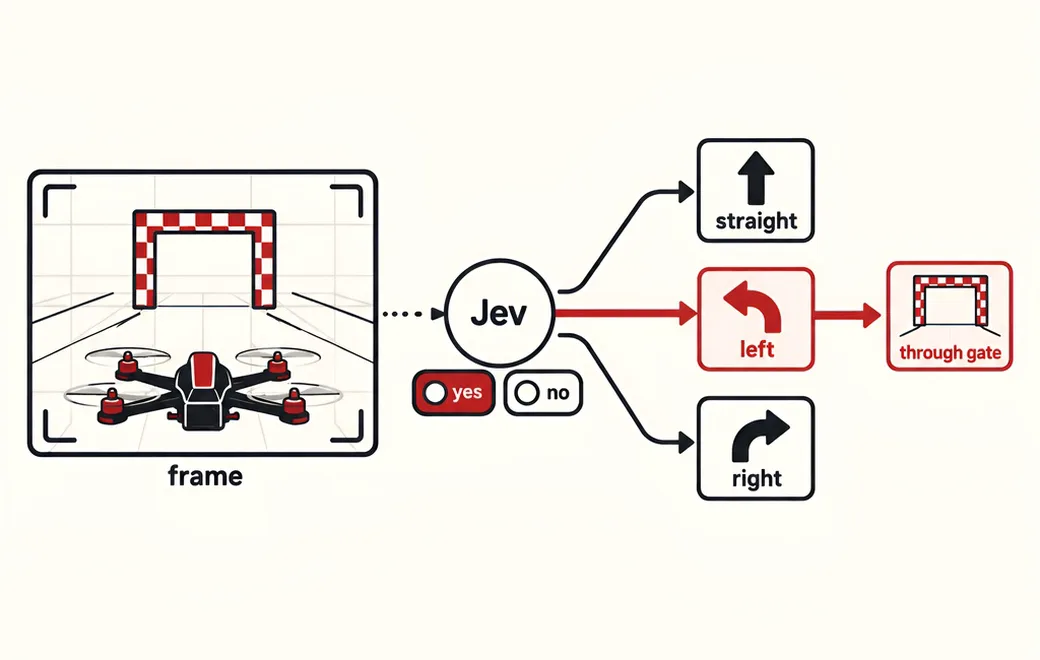 Games / Real-time control
On every camera frame, decide whether the next gate is visible and where it sits relative to the drone, so deterministic flight code can steer, climb or hold without waiting on a slow chat model
Fly a racing drone frame by frame: send each camera snapshot to Jev as a few narrow yes/no questions, and let code turn the probabilities into stick inputs. In one public test, Jev with yes/no answers out-flew multiple choice and CLM-8B.
See the workflow →Copy the code
The request behind Use Jev for hybrid game agents, calling Jev 1.13 on Flatkey. Set FLATKEY_API_KEY and run it as is, then swap in your own state and questions.
curl -sS https://router.flatkey.ai/api/alpha/decisions \
  -H "Authorization: Bearer $FLATKEY_API_KEY" \
  -H "Content-Type: application/json" \
  -d '{
  "model": "typesafe/jev-1.13",
  "state": "Tick 212. You: HP 38%, chakra 70%, special move ready. Opponent: HP 55%, just finished a combo and is in recovery frames at close range. Planner'\''s strategy: bait combos, punish recovery with the special move.",
  "questions": {
    "action": {
      "type": "choice",
      "instructions": "Given the current plan, which action should the fighter take this tick?",
      "criteria": {
        "attack": "Close-range basic attack or combo",
        "guard": "Block and hold position",
        "dodge": "Evade or reposition away from an incoming attack",
        "special": "Use a special move or jutsu that is ready",
        "retreat": "Back off to recover resources"
      }
    },
    "threat": {
      "type": "score",
      "instructions": "How dangerous is the opponent'\''s position right now?",
      "criteria": [
        "low",
        "medium",
        "high",
        "critical"
      ]
    },
    "needs_new_plan": {
      "type": "noul",
      "instructions": "The situation has changed enough that the System 2 planner should revise the strategy."
    }
  }
}'
// Node.js 18+ (built-in fetch). Run: FLATKEY_API_KEY=... node jev.mjs
const body = {
"model": "typesafe/jev-1.13",
"state": "Tick 212. You: HP 38%, chakra 70%, special move ready. Opponent: HP 55%, just finished a combo and is in recovery frames at close range. Planner's strategy: bait combos, punish recovery with the special move.",
"questions": {
"action": {
"type": "choice",
"instructions": "Given the current plan, which action should the fighter take this tick?",
"criteria": {
"attack": "Close-range basic attack or combo",
"guard": "Block and hold position",
"dodge": "Evade or reposition away from an incoming attack",
"special": "Use a special move or jutsu that is ready",
"retreat": "Back off to recover resources"
}
},
"threat": {
"type": "score",
"instructions": "How dangerous is the opponent's position right now?",
"criteria": [
"low",
"medium",
"high",
"critical"
]
},
"needs_new_plan": {
"type": "noul",
"instructions": "The situation has changed enough that the System 2 planner should revise the strategy."
}
}
};
const res = await fetch("https://router.flatkey.ai/api/alpha/decisions", {
method: "POST",
headers: {
Authorization: `Bearer ${process.env.FLATKEY_API_KEY}`,
"Content-Type": "application/json",
},
body: JSON.stringify(body),
});
if (!res.ok) throw new Error(`Jev request failed: ${res.status} ${await res.text()}`);
const { answers, usage } = await res.json();
console.log(JSON.stringify(answers, null, 2), usage);# Python 3.8+ (pip install requests). Run: FLATKEY_API_KEY=... python jev.py
import json, os, requests
body = json.loads(r"""{
"model": "typesafe/jev-1.13",
"state": "Tick 212. You: HP 38%, chakra 70%, special move ready. Opponent: HP 55%, just finished a combo and is in recovery frames at close range. Planner's strategy: bait combos, punish recovery with the special move.",
"questions": {
"action": {
"type": "choice",
"instructions": "Given the current plan, which action should the fighter take this tick?",
"criteria": {
"attack": "Close-range basic attack or combo",
"guard": "Block and hold position",
"dodge": "Evade or reposition away from an incoming attack",
"special": "Use a special move or jutsu that is ready",
"retreat": "Back off to recover resources"
}
},
"threat": {
"type": "score",
"instructions": "How dangerous is the opponent's position right now?",
"criteria": [
"low",
"medium",
"high",
"critical"
]
},
"needs_new_plan": {
"type": "noul",
"instructions": "The situation has changed enough that the System 2 planner should revise the strategy."
}
}
}""")
res = requests.post(
"https://router.flatkey.ai/api/alpha/decisions",
headers={"Authorization": f"Bearer {os.environ['FLATKEY_API_KEY']}"},
json=body,
timeout=60,
)
res.raise_for_status()
data = res.json()
print(json.dumps(data["answers"], indent=2), data.get("usage"))FAQ
Is Jev fast enough for games?
TypeSafe reports 70–500 ms per request. That suits strategic and tactical decisions made every second or so, not per-frame control. Keep frame-level logic in the game engine and call Jev at decision points.
How does a hybrid game agent split work?
Classical game AI (behaviour trees, utility systems, pathfinding) handles execution every frame. Jev picks the high-level option — attack, retreat, regroup, scout — from the current game state at decision points.
What is adaptive UI in this context?
An interface that changes as the user types, for example turning a plain text box into a date picker, a payment form or a search card once intent is clear. Jev classifies the intent and signals; your code renders the component.
Which question types are useful in games?
A Choice for the action or target (up to 255 options), a Score for threat or priority on a 2 to 10 level scale, and a Noul for yes/no conditions such as should_retreat.
How do I keep the UI from flickering as predictions change?
Only switch the UI when confidence clears a threshold, add hysteresis so it takes a stronger signal to switch back, and debounce requests while the user is typing.
Can Jev control NPC dialogue?
It can choose a dialogue branch or mood from a set of options. It does not write lines; pair it with authored text or a generative model.
Other categories
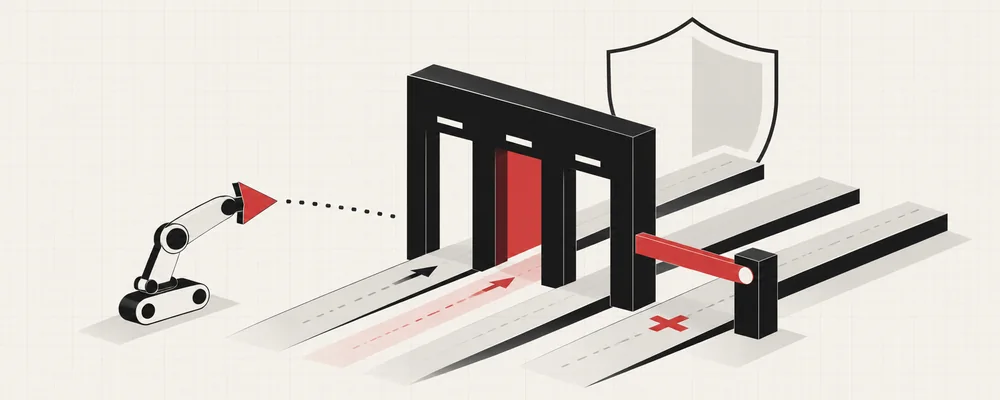 23 use casesAI Agent GuardrailsGate every agent action, memory write and retry with a cheap, typed allow / review / block decision.
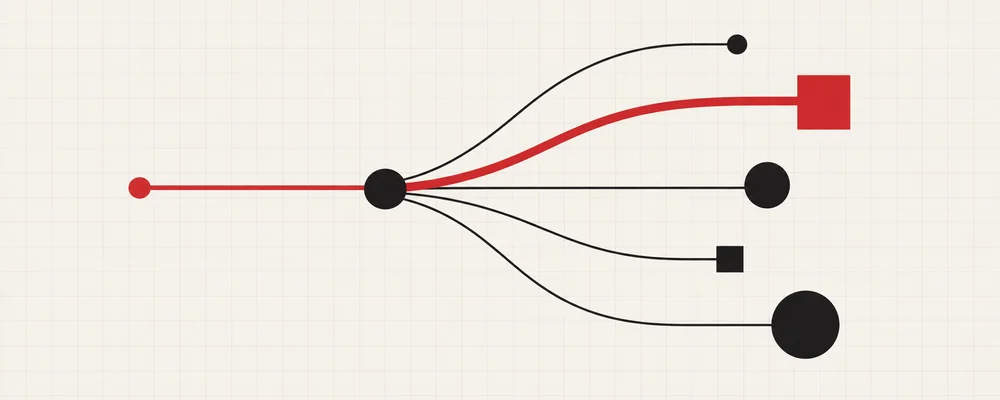 9 use casesLLM RoutingRoute each request to the right model, tool or intent with one fast typed decision.
 11 use casesLLM-as-a-Judge & EvalsScore agent runs, RAG answers and CI test evidence with low-variance typed verdicts.
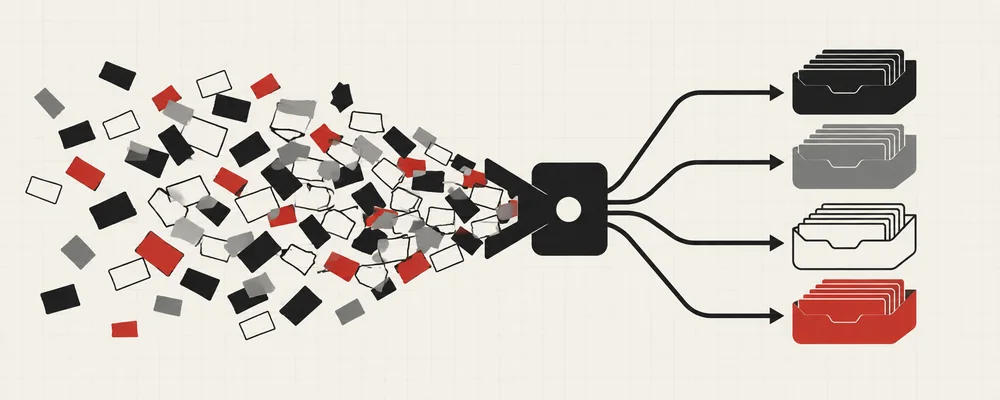 22 use casesClassification & TriageRoute tickets, issues, reports and applications by category, urgency and review need.
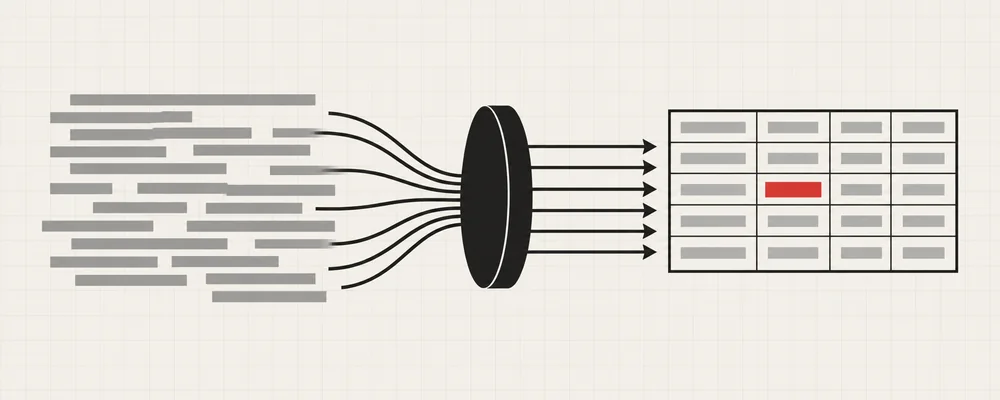 11 use casesStructured Data ExtractionTurn free text into typed columns, matched entities, SQL filters and document splits.
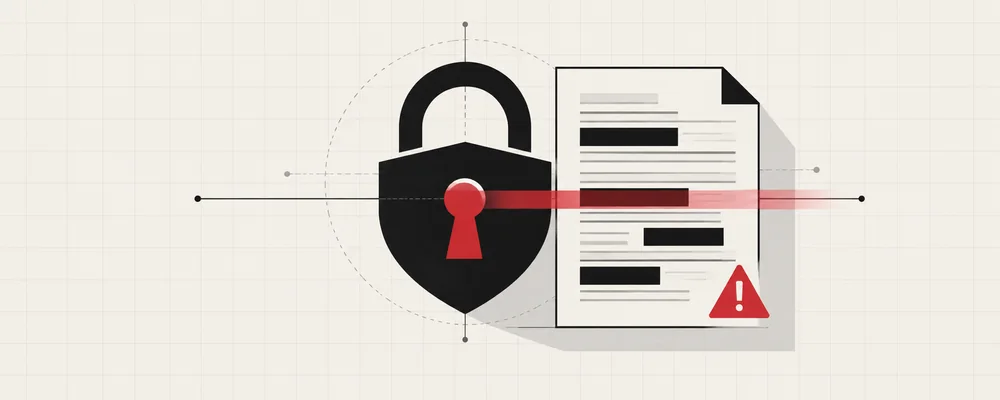 7 use casesSecurity & ComplianceGate invoice payments, validate pentest findings and lint for personal data before it ships.
Run games & adaptive ui on real Jev
Every use case above runs live with your own key. Get a Flatkey key for Jev 1.13, or bring an OpenRouter key under Dashboard → BYOK.